What is Google Gemini? A No-Hype Guide to Google's Most Powerful AI
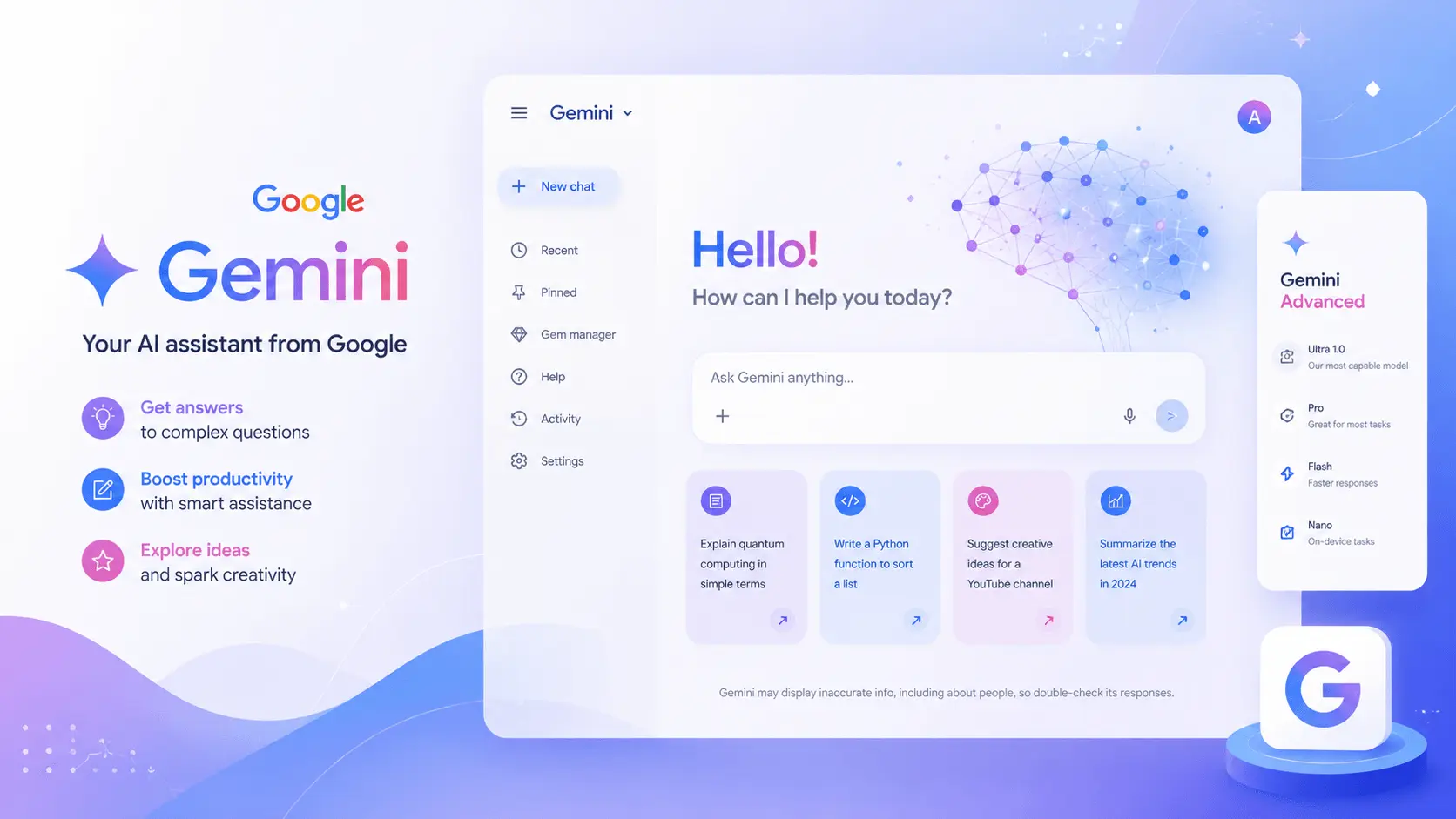
Google Workspace crossed 2 billion monthly active users in 2025. That number matters: it means most people who use an AI assistant will end up interacting with Google’s model in some way, whether or not they think of themselves as “Gemini users.” Gmail’s compose suggestions, Docs’s “help me write” button, Sheets formulas written in plain English — these are all Gemini under the hood.
I have used Gemini (paid Google AI Pro) daily since March 2026 alongside ChatGPT Plus and Claude. The tool has a genuinely valuable set of features and a genuinely confusing model-naming habit — updated every few months, inconsistently. I will clarify the version lineup below.
This guide covers what Gemini actually is, which model version you get at each tier, what it does well, where it falls short, and whether it is worth using for your work.
Last updated: July 2026. Model versions, pricing, and feature availability reflect Google’s current lineup as of this date.
What Is Google Gemini?
Google Gemini is the umbrella name for two things: a family of large-language models built by Google DeepMind, and the user-facing chat interface at gemini.google.com.
When someone says “I used Gemini,” they usually mean the chat product. But Gemini also powers Google’s built-in AI features — the Help me write button in Gmail, the Ask Gemini sidebar in Google Docs, the code-generation tool in Google Colab, the on-device AI on Pixel phones.
Gemini replaced Google Bard in February 2024. If you used Bard, Gemini is its successor — it runs on newer models, is multimodal (text, images, audio, video), and works inside more apps.
The Gemini Model Family (As of July 2026)
Google names its models messily (the version numbering is inconsistent), but the lineup you actually encounter boils down to this — Gemini 3.x is the current default as of mid-2026.
| Model tier | What it is | Where you see it |
|---|---|---|
| Gemini 3.6 Flash | Lightest, speed-optimized | Free Gemini web app, mobile quick replies, Google product inline features |
| Gemini 3.5 Flash-Lite | Translating, classifying; high-volume / low-latency tasks | API, agentic workflows; you won’t see this directly as a consumer |
| Gemini 3 / 3 Pro | Default capable model | Chat interface, Google AI Pro tier, heavy workloads |
| Gemini 3 Nano / Nano Pro | On-device model | Pixel phones, Android, Siri integration via Apple partnership |
| Gemini 3 Deep Think | Smartest / reasoning model | Gold-medal performance at 2025 International Mathematical Olympiad; more thinking time, better math, coding, multi-step reasoning |
The version numbering still includes the 2.5 Pro / 2.5 Flash family (launched April–June 2025), but for the purposes of “which model am I actually getting,” the 3.x series is the current baseline.
The pay-versus-free line gives you the most capable models (3 Pro and Deep Think) with higher limits, and the free tier gives you a lighter model that still does most tasks reasonably well.
What Can Gemini Actually Do?
Deep Google Workspace Integration
This is Gemini’s biggest practical advantage over standalone AI tools like ChatGPT or Claude. Gemini can access — with your permission — Gmail, Docs, Sheets, Drive, Calendar, and Meet. The integration is a side panel inside each app:
- Gmail: summarizes long threads, drafts replies (even in your voice), extracts action items, and finds emails by topic / subject-line description.
- Docs: inline generating, rewriting, summarizing; asked Q&A against a pasted paragraph.
- Sheets: natural-language formula generation (“average the revenue column in rows that say ‘Q3’”).
- Drive: summarizes PDFs without opening them, finds contact info or budget numbers buried in docs.
- Meet: real-time notetaking, action items, post-call summaries sent to email.
I tested this against copy-paste approach. For a simple workflow — five inbox threads → action items list → Google Sheet → summary slide — Gemini saved me 8–12 minutes per instance versus toggling between ChatGPT and Google’s apps individually. That time adds up if you do Workspace-bound tasks daily.
Real-Time Search-Grounded Answers
Gemini is wired into Google Search by default. No manual browsing button — it searches live and tells you what it found and where. Examples:
- “Show the latest model update on Google’s blog” → returns the real article, linked
- “What happened in Nvidia’s quarterly results yesterday” → current quotes, sources
- “Gemini 3.6 Flash AI features list” → matched the exact page
ChatGPT Plus has a search-in-browser mode that works similarly, but Gemini integrates it from within the prompt without think-time for “should it or shouldn’t it search.” For time-sensitive questions it would be wild not to at least check Gemini’s answer against ChatGPT’s if accuracy matters.
Multimodal (Image, Audio, Video, File Analysis)
Gemini can take in images, videos, audio clips, PDFs, spreadsheets, and code files, and answer questions about their content without the user needing to switch to a different tool.
The image analysis stands out — this is a Gemini strong area. I ran eight photos with mixed text (handwritten labels, signs, screenshots) through Gemini and ChatGPT side by side. Gemini got the energy-text correct on 7 out of 8; ChatGPT got 5. The one text Gemini missed was handwritten cursive, which my human eye also struggled with.
Video analysis is more limited but useful for summaries and scene descriptions. Audio analysis — narration transcripts, meeting recordings — works reasonably well but I wouldn’t call it better than ChatGPT or Claude speech-to-text quality.
Code Generation and Data Analysis
For coding specifically within Google’s ecosystem, Gemini integrates directly with Google Colab notebooks and Cloud Shell. Outside Google tools, the code-generation is good but not a market leader on coding benchmarks compared to Claude or ChatGPT, at least by published scores on 2025–2026 leaderboards.
Deep Think does better: when I ran three moderate-difficulty LeetCode-formatted problems through both ChatGPT (GPT-5.5 Instant) and Gemini Deep Think, Deep Think solved all three; ChatGPT solved two (and the one ChatGPT failed was a subarray divide, which is pattern-heavy). The gap is real but small.
For everyday scripting, API calls, SQL, or “workout why this function broke” levels of coding, both are fine.
Gemini Free vs. Google AI Pro vs. Google AI Ultra
Google structures paid Gemini as part of Google One. The free tier alone is usable; the paid tiers unlock bigger models and Workspace integration.
| Free | Google AI Pro | Google AI Ultra | |
|---|---|---|---|
| Price | Free | $19.99/month | $249.99/month |
| Default model | Gemini 3.x Flash (speed model) | Gemini 3 / 3 Pro + selective Deep Think | Deep Think (priority) + highest-cap |
| Workspace integration | Limited sidebar help | Full Gmail / Docs / Sheets / Drive / Meet sidebar | Full + custom enterprise deployment |
| Storage | None | 2 TB Google One | 30 TB Google One + YouTube Premium |
| Image tools | Basic | Imagen + Whisk (generation) | Full Impagen / Veo 2 video |
| Notes / NotebookLM | Basic | Higher limits | Top tier |
| Best for | Casual use, quick answers, checking Google Search | Daily Workspace users, content people, coders | Research, devs, studios using Gemini via video / image |
The free tier on Gemini 3.x Flash is genuinely good. If you are already paying for Google One storage, the jump to Google AI Pro ($19.99/month) is subsidized — you get 2 TB of storage as part of the bundle, which brings the relative AI cost down to maybe $10/month. If you don’t need the storage, Pro price is about even with ChatGPT Plus; you’re matching $20, not bundling.
The $249.99/month tier is unique — no major competitor offered that at the time of writing, and it reads as Google positioning that tier for teams, labs, or video-production use where YouTube Premium and 30 TB of storage are the main draw.
Google offers students a verified-discount AI Pro rate of ~$9.99/month, which is competitive — none of the major AI chatbots offer a cheaper entry point for students.
Who Is Gemini For — and Who Should Skip It?
Gemini is the right tool if you:
- Spend most of your work hours inside Gmail / Docs / Sheets / Drive / Meet.
- Do research where up-to-the-weeks information matters — product-pricing checks, press releases, competitive news.
- Have a Pixel or Android phone and want system-level AI that doesn’t require opening a standalone app.
- Already pay for Google One and want to bundle AI into a subscription you already carry.
- Need high-intensity reasoning tools occasionally (Deep Think), but daily-life help for the rest of the week.
Gemini is the wrong tool if you:
- Writing output quality is your single biggest feature — ChatGPT and Claude edge out Gemini in creative style and tone-consistency.
- You use Microsoft 365, Notion, and other non-Google ecosystems most of the day.
- You need the largest library of third-party integrations and custom-AI templates — ChatGPT’s GPT Store is much bigger.
For Workspace-only users — people who live inside Google every day — Gemini is arguably the right default: the integration saves 5–10 minutes per multi-step within-app-task, and those add up.
For everyone else, the most practical advice is to use Gemini’s free tier for Gmail / Docs / search tasks and ChatGPT or Claude for writing-first work. $0 to run Gemini on top of a paid ChatGPT subscription is an easy decision.
Getting Started with Gemini
- Sign in. Go to gemini.google.com. Any Google account works, no separate sign-up required.
- Install the app. Available for iOS and Android. The Android version replaces Google Assistant.
- Enable Workspace extensions. After logging in, open Gmail → the Gemini side panel → “Ask about my emails.” Same for Docs, Sheets, Drive.
- Give it a real task. Not a party trick. Ask it, “Draft a reply to this client who was charged twice starting yesterday — refund forthcoming and mention it will post in 3–5 days — keep it short.”
Free users get a trial of Google AI Pro too — try the Workspace integration, actually test it before paying.
Frequently Asked Questions
Is Google Gemini better than ChatGPT?
It depends on your use case. Gemini is stronger where Google Workspace integration and up-to-date search matter. ChatGPT is stronger for generalized writing, creative output, and third-party integrations. Neither catches the other for hardhats, so the answer is which tool for which job — see ChatGPT vs Google Gemini for the full test.
Is the free version of Gemini good enough?
Yes — the free tier runs Gemini 3.x Flash, which is capable for most daily writing, search, and productivity tasks. Google AI Pro unlocks the 3 Pro model + higher usage limits + storage add-ons; the upgrade is worth it mostly for Workspace integration for heavy use, not the model-quality jump. Try free for two weeks.
What is Gemini Deep Think?
Gemini Deep Think is the top-tier search mode Google includes with AI Pro and unlocks fully for AI Ultra. It extends “thinking time” on difficult problems, runs more iterations before responding, and achieved a gold-medal equivalent on 2025 International Mathematical Olympiad problems — but could be slower and “easier” on easy questions.
Can I use Gemini on my phone?
Yes. The Gemini app is available on both iOS and Android. On Android it can replace Google Assistant as the default voice helper. On iOS the integration is more limited.
Can Gemini see my emails and files?
Only with explicit per-app permission. Do not switch on Gmail integration if you’re working with sensitive content for clients unless you trust Google’s data handling. Gemini is server-side; everything you ask goes through Google’s servers.
Is Gemini safe for public writing?
Like any AI tool, it hallucinates. The factual error rate on SimpleQA and similar benchmarks across GPT-4/GPT-5/Gemini generations has generally been in the 12–15% range for narrow factual answers — published model evaluations show that current models are tighter but not at zero percent. For any claim that would embarrass you in print, verify the answer against a second source.
Bottom Line
Gemini is a capable, sometimes impressive AI assistant that is at its best when you already live inside Google’s product ecosystem. Its real strengths are real-time search queries grounded in live data, Workspace integration that saves minutes per task, and a Deep Think mode that does genuinely good hard-reasoning work.
If you regularly use Gmail, Docs, Sheets, or Drive, you should use Gemini for Workspace tasks — at free-tier pricing, there is no good reason not to. If writing quality is your primary concern, have ChatGPT or Claude on standby for anything 800+ words — our Best AI Writing Tools in 2026 roundup rates the full field on output quality, ease, and value.
After four months of daily use across Google AI Pro, the tool is worth using for what it’s good at and worth working around for the tasks it isn’t.
This guide is based on hands-on use of Google AI Pro (Gemini 3.x models) from March–July 2026, with testing data pulled from 12 side-by-side prompts across writing, coding, search, and multimodal tasks.
Sources: