All Articles
Showing 1–9 of 29 practical guides

How to Unsend an Email in Gmail (Desktop, Mobile, and After the Window Closes)
How to unsend an email in Gmail with Undo Send on desktop and mobile, how to extend the cancellation window from 5 to 30 seconds, and what to do when the window has already closed.
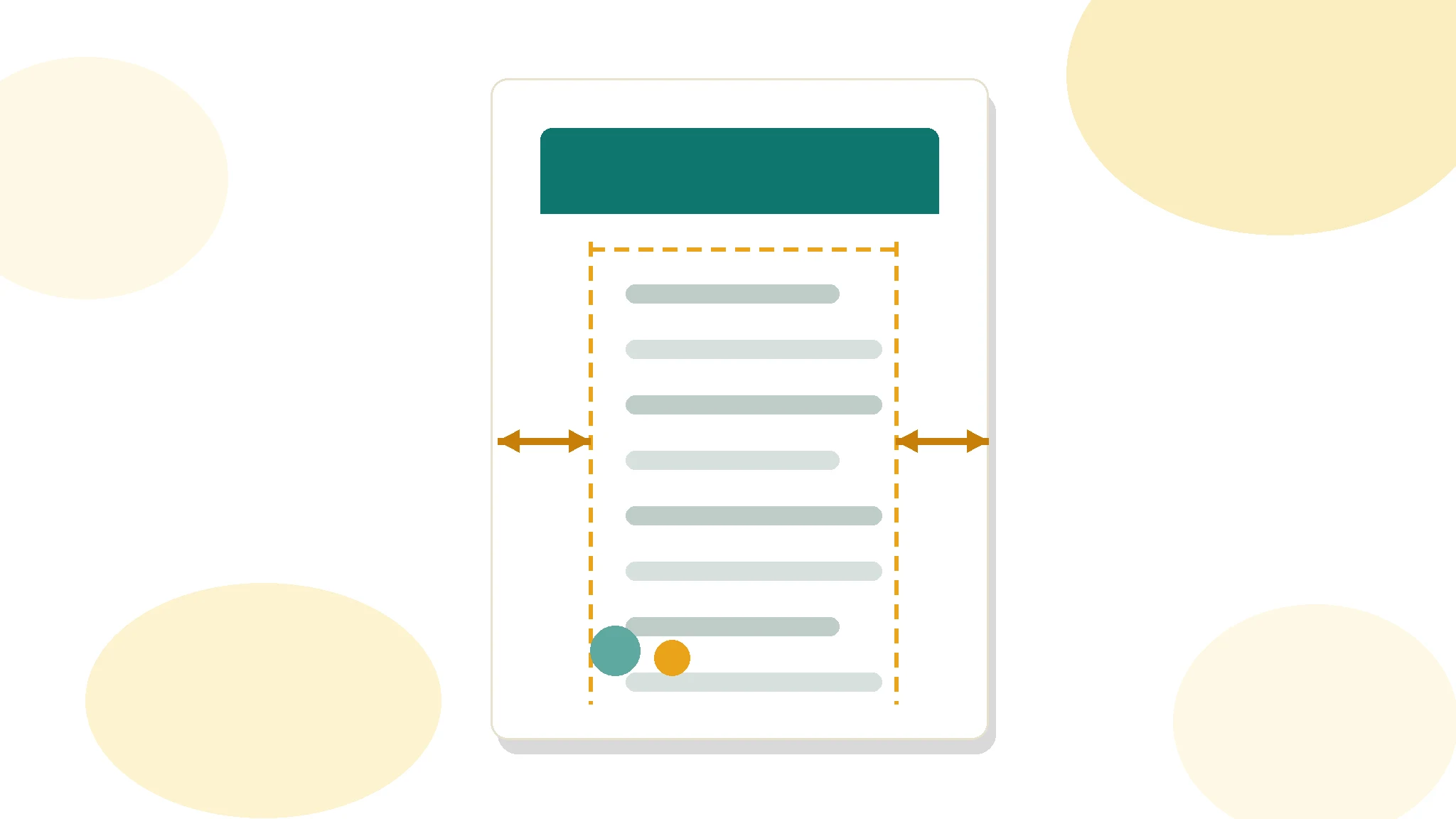
How to Change Margins in Google Docs (Desktop and Mobile)
How to change margins in Google Docs: the Page setup steps on desktop, the quicker ruler method, narrow and wide margins, setting new defaults, and the mobile steps.

How to Freeze Rows and Columns in Google Sheets (Desktop and Mobile)
How to freeze rows and columns in Google Sheets: keep headers and ID columns visible while you scroll, freeze both at once, unfreeze, and the mobile steps for Android and iPhone.

How to Set Up a Vacation Responder in Gmail (Desktop and Mobile)
How to set up a vacation responder in Gmail: turn on the auto-reply, write a message that actually helps the sender, set start and end dates, and avoid the mistakes that spam your whole inbox.

How to Use INDEX and MATCH in Google Sheets (With Examples)
How to use INDEX and MATCH in Google Sheets: the two functions explained separately, the combined lookup that beats VLOOKUP, two-dimensional lookups, and every error fix.

How to Add Speaker Notes in Google Slides (and Use Presenter View)
How to add speaker notes in Google Slides: write notes under each slide, see them privately in Presenter View while your audience sees only the slides, and print or export them — plus the mistakes that leak your notes to the room.

How to Create Email Templates in Gmail (And Stop Retyping the Same Messages)
How to create email templates in Gmail: enable the hidden Templates feature, save and insert reusable messages, edit or delete them, and pair them with filters.
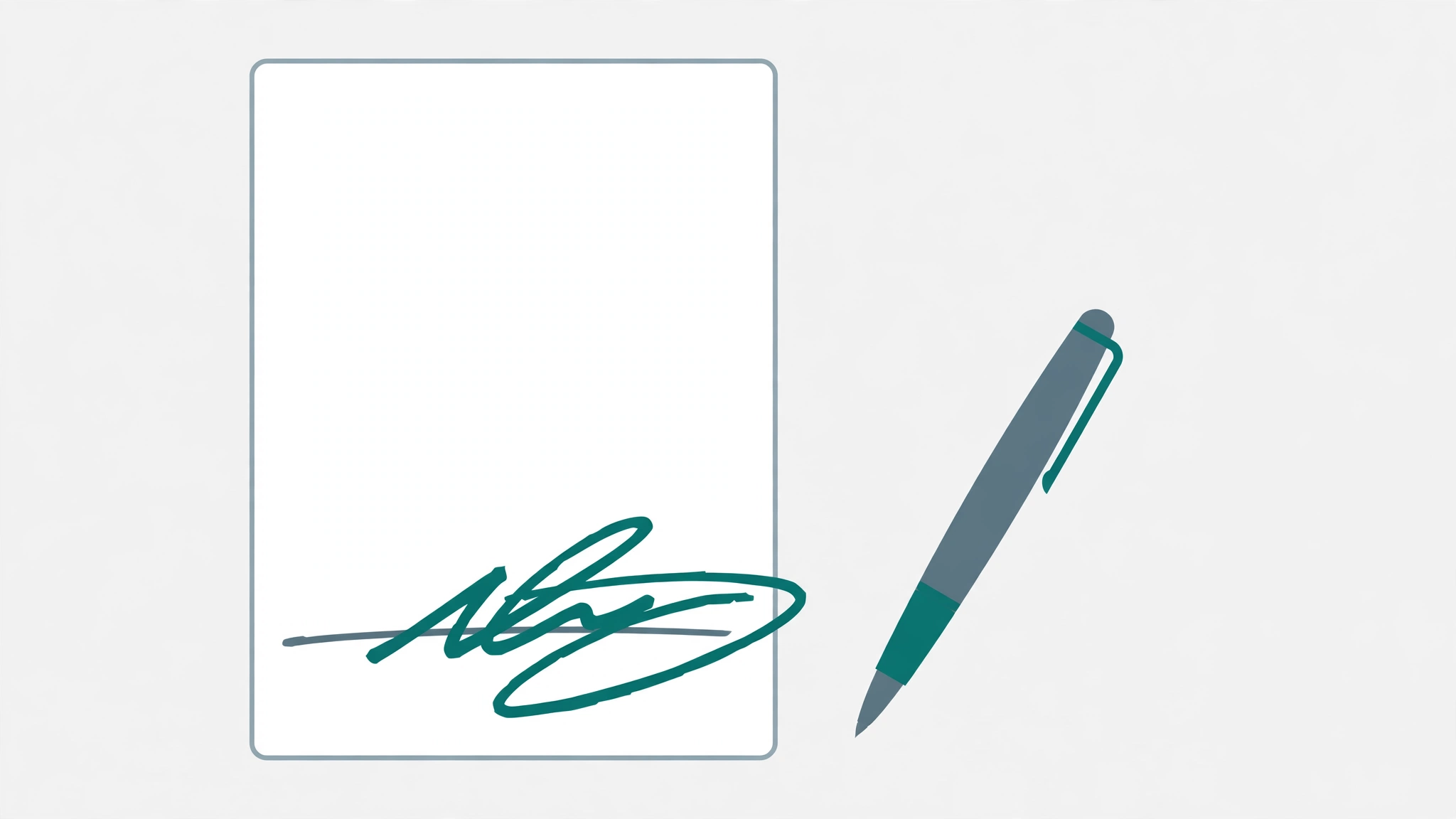
How to Add a Signature in Google Docs (3 Methods, and When Each One Counts)
How to add a signature in Google Docs: draw one with the Scribble tool, insert a photo of your real signature, or use eSignature — plus what each method can and can't prove.

How to Use XLOOKUP in Google Sheets (Examples, Modes, and Error Fixes)
How to use XLOOKUP in Google Sheets: the six arguments explained with a real example, match and search modes, three things VLOOKUP can't do, and every error fix.