All Articles
Showing 10–18 of 29 practical guides

How to Add Animations in Google Slides (Object Animations, Transitions, and Timing)
How to add animations in Google Slides: animate text, images, and shapes with entrance and exit effects, control timing and order, add slide transitions, and avoid the over-animation mistakes that undermine a presentation.

How to Add Page Numbers in Google Docs (Skip the First Page, Start From Any Page)
How to add page numbers in Google Docs: insert them in headers or footers, skip the first page, start numbering from any page using section breaks, and fix the issues that make numbers disappear.
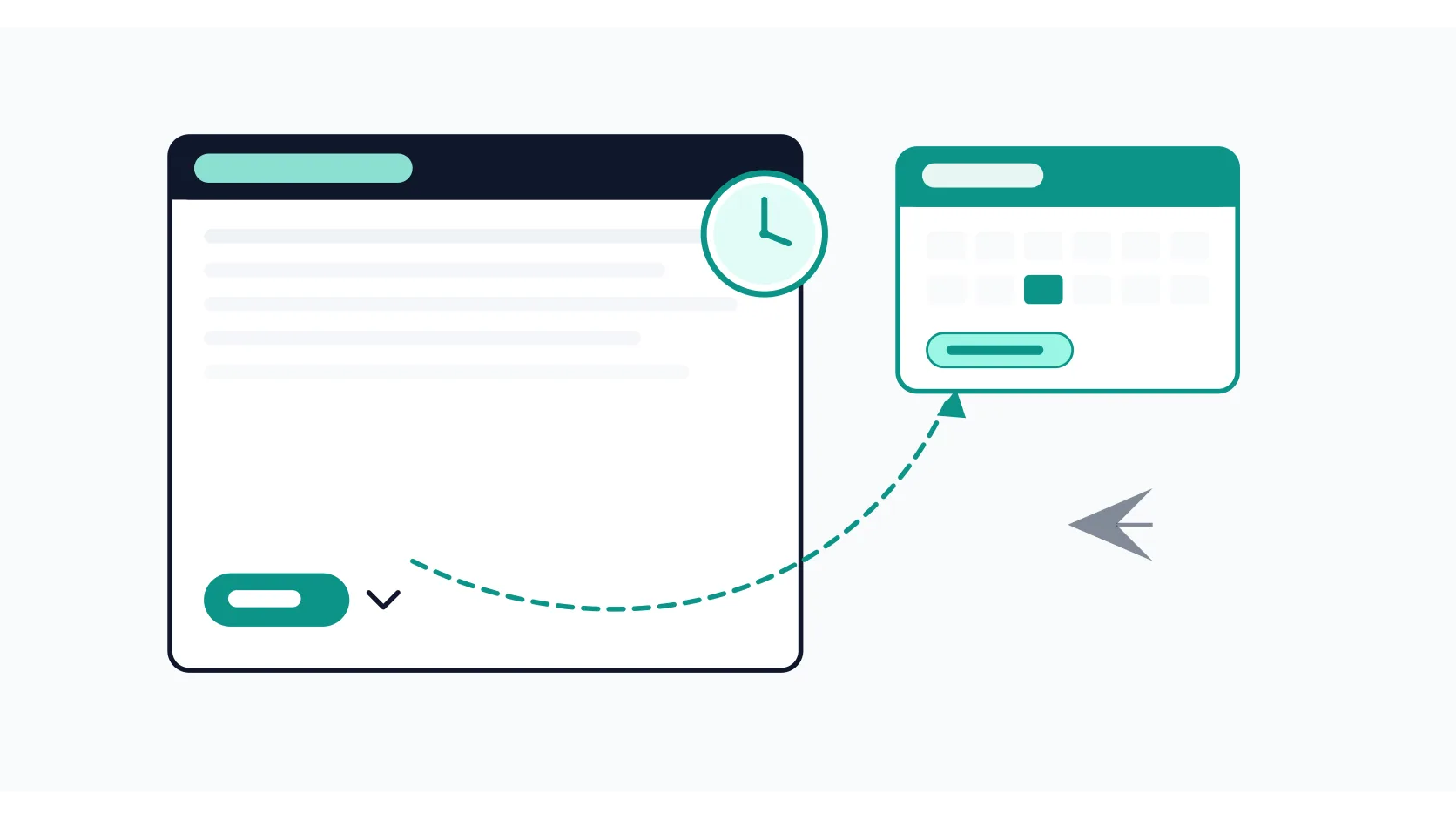
How to Schedule an Email in Gmail (Desktop, Mobile, and How to Cancel)
How to schedule an email in Gmail on desktop and mobile: pick a custom date and time, edit or cancel a scheduled message, and avoid the timezone and attachment mistakes that cause problems later.

How to Create Filters in Gmail (Automate Your Inbox in 10 Minutes)
How to create Gmail filters step by step: choose criteria, pick actions like auto-labeling or archiving, and set up practical rules that keep your inbox organized without manual sorting.

How to Use Conditional Formatting in Google Sheets (Rules, Formulas, and Fixes)
How to use conditional formatting in Google Sheets: built-in rules, color scales, custom formulas that highlight entire rows or flag duplicates, and how to manage multiple rules without conflicts.
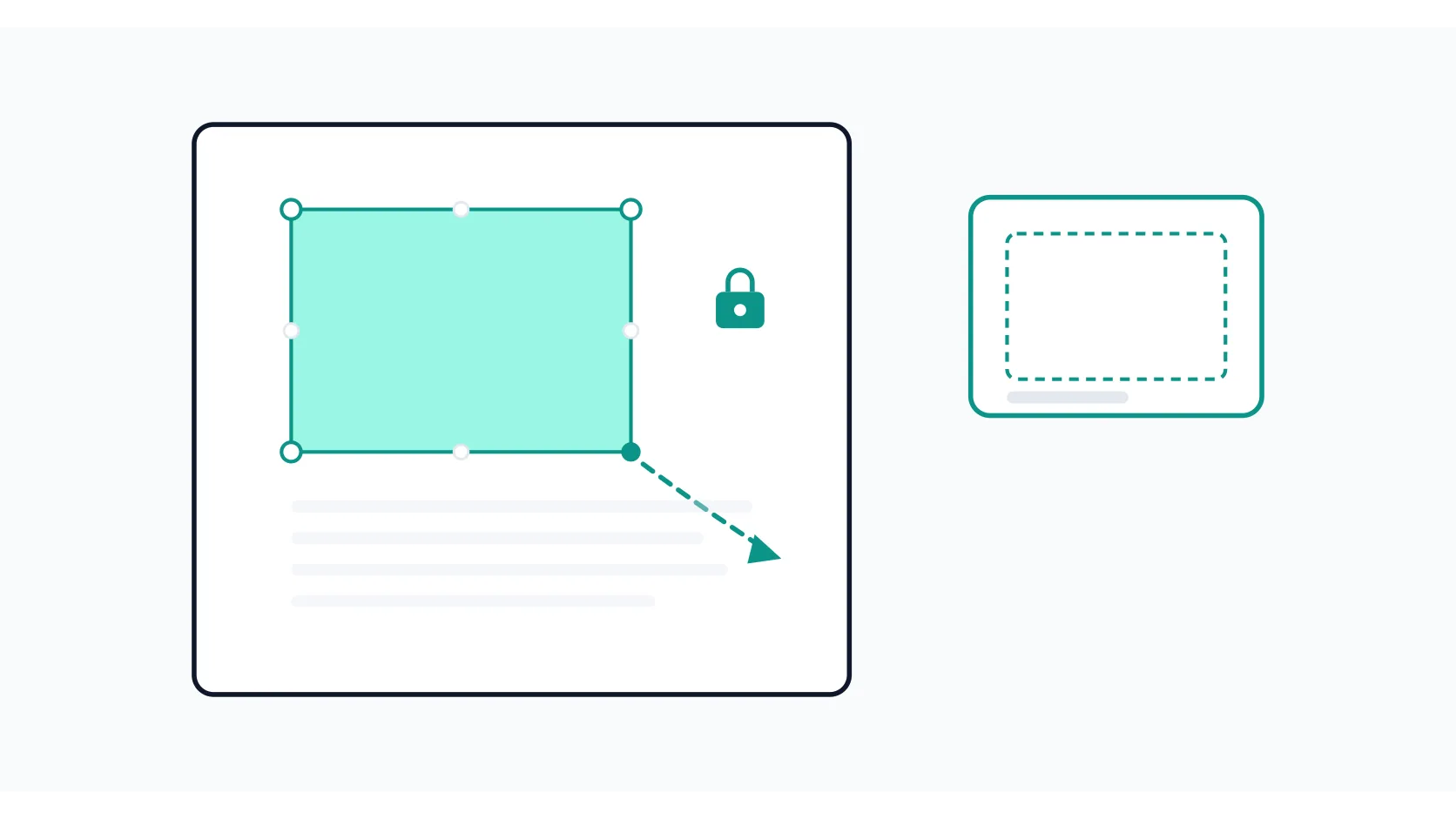
How to Resize an Image in Canva (Without Stretching or Losing Quality)
How to resize an image in Canva: drag corner handles to keep proportions, set exact pixel dimensions, use Magic Switch for whole-design resizing, and avoid the quality and distortion mistakes that trip up most people.

How to Create a Table of Contents in Google Docs (and Fix It When It Breaks)
How to insert, update, and customize a table of contents in Google Docs using heading styles — plus the fixes when headings don't show up or the TOC won't update.

How to Use VLOOKUP in Google Sheets (Examples and Every Error Fix)
How to use VLOOKUP in Google Sheets: the four arguments explained with a real example, exact vs approximate match, and the fix for every error it can throw.

How to Connect Google Forms to Google Sheets (Automatic Response Sync)
How to connect Google Forms to Google Sheets: link responses to a new or existing spreadsheet, what syncs automatically, and how to unlink without losing data.