Design & Presentation
Canva, Figma, PowerPoint, and Slides — practical design for people who are not designers.
Showing 1–4 of 4 articles
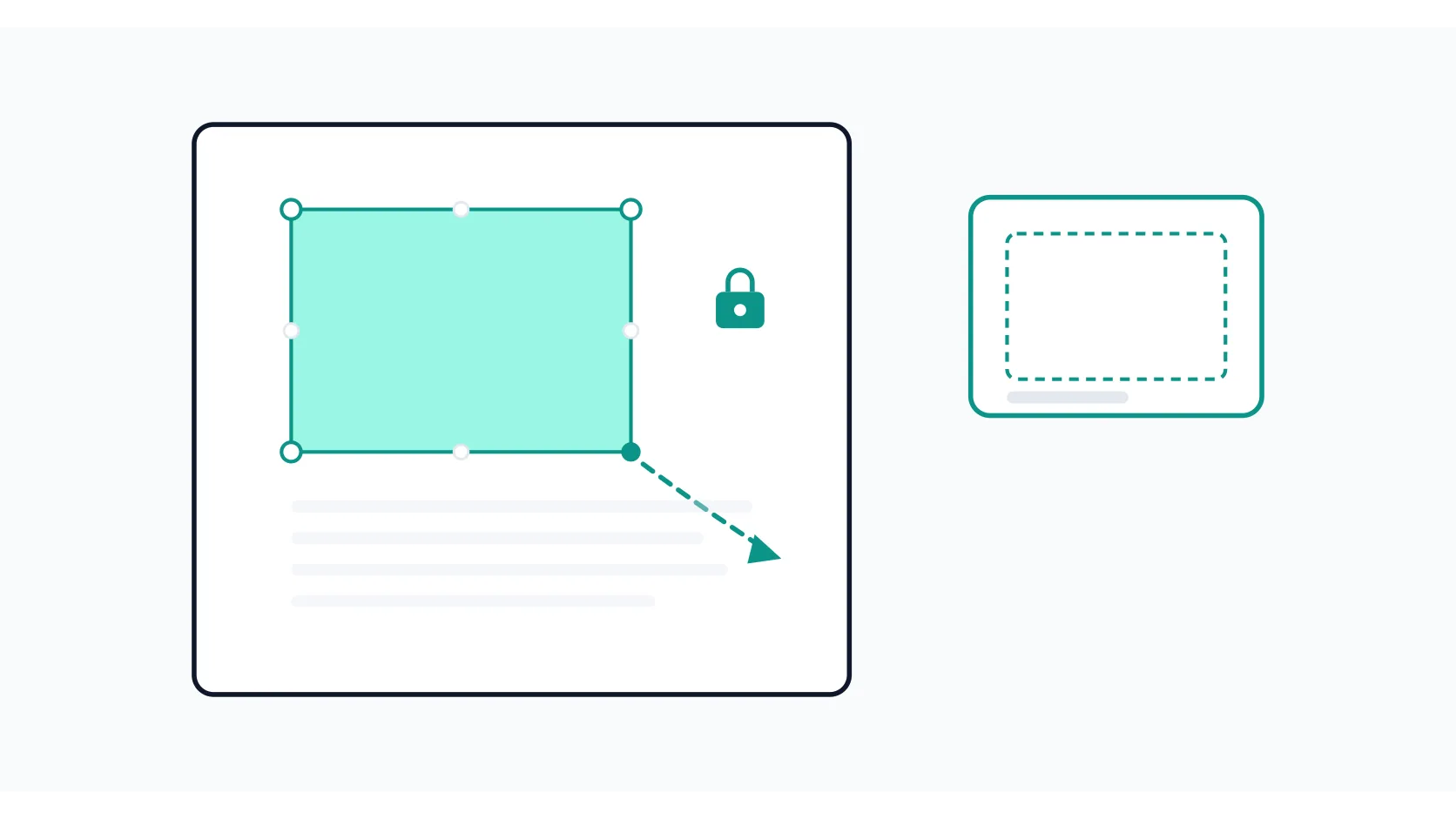
How to Resize an Image in Canva (Without Stretching or Losing Quality)
How to resize an image in Canva: drag corner handles to keep proportions, set exact pixel dimensions, use Magic Switch for whole-design resizing, and avoid the quality and distortion mistakes that trip up most people.

How to Remove Background in Canva (Free and Pro Methods That Actually Work)
How to remove background in Canva: the one-click Pro method with Erase/Restore brushes, the free workaround that costs nothing, and the limits that trip people up.

How to Create a Custom Template in Google Slides (Theme Builder, Step by Step)
How to create a custom template in Google Slides using Theme Builder: set brand colors, fonts, layouts, and logos once, then reuse them in every deck.

How to Remove the Watermark in Canva (and Why It Keeps Appearing)
How to remove the watermark in Canva: why crown-marked premium assets cause it, the two fixes that work, and the workarounds that don't.