Workflow & Automation
Calendars, task managers, and connecting your tools to cut down busywork.
Showing 1–5 of 5 articles
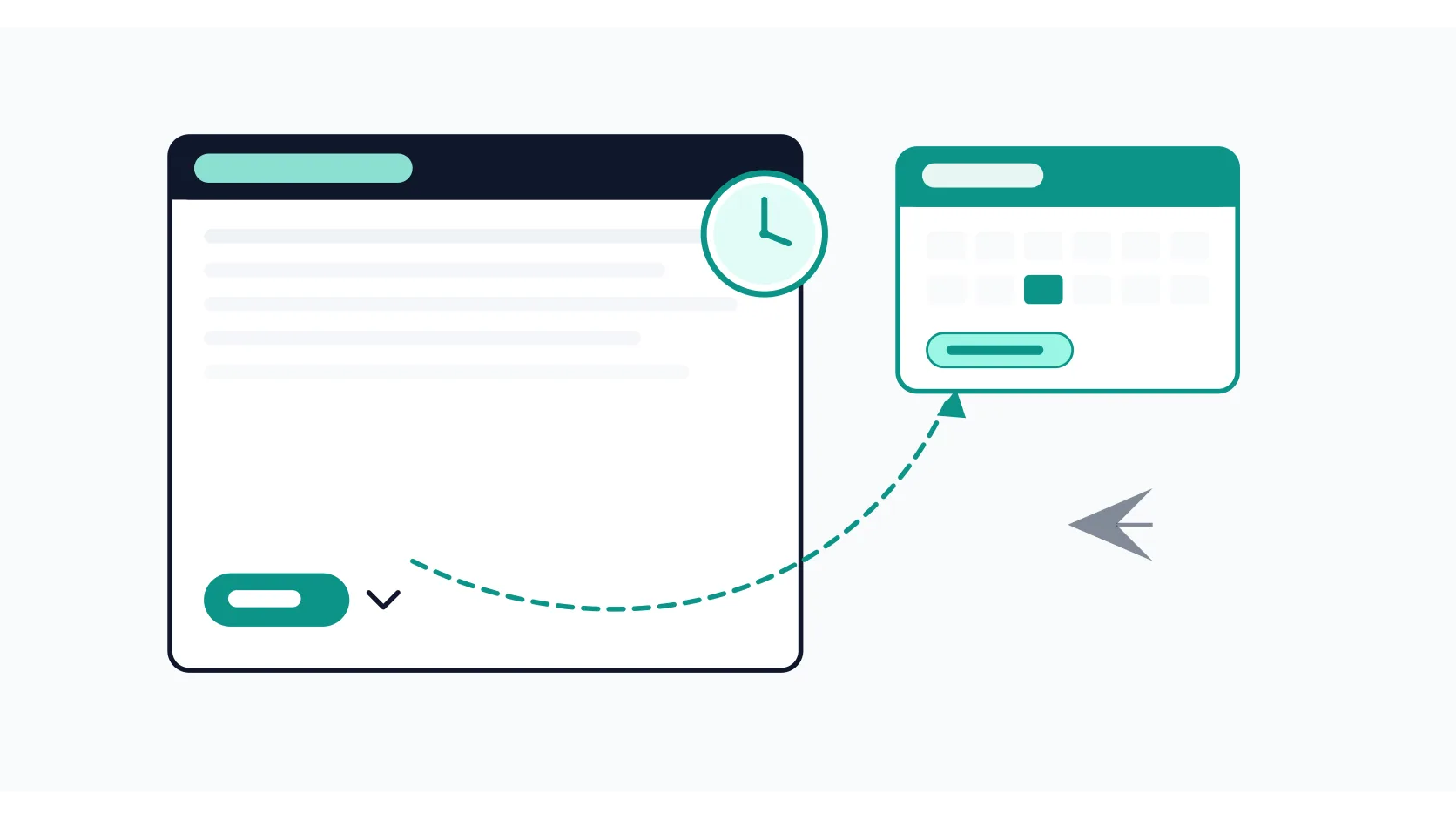
How to Schedule an Email in Gmail (Desktop, Mobile, and How to Cancel)
How to schedule an email in Gmail on desktop and mobile: pick a custom date and time, edit or cancel a scheduled message, and avoid the timezone and attachment mistakes that cause problems later.
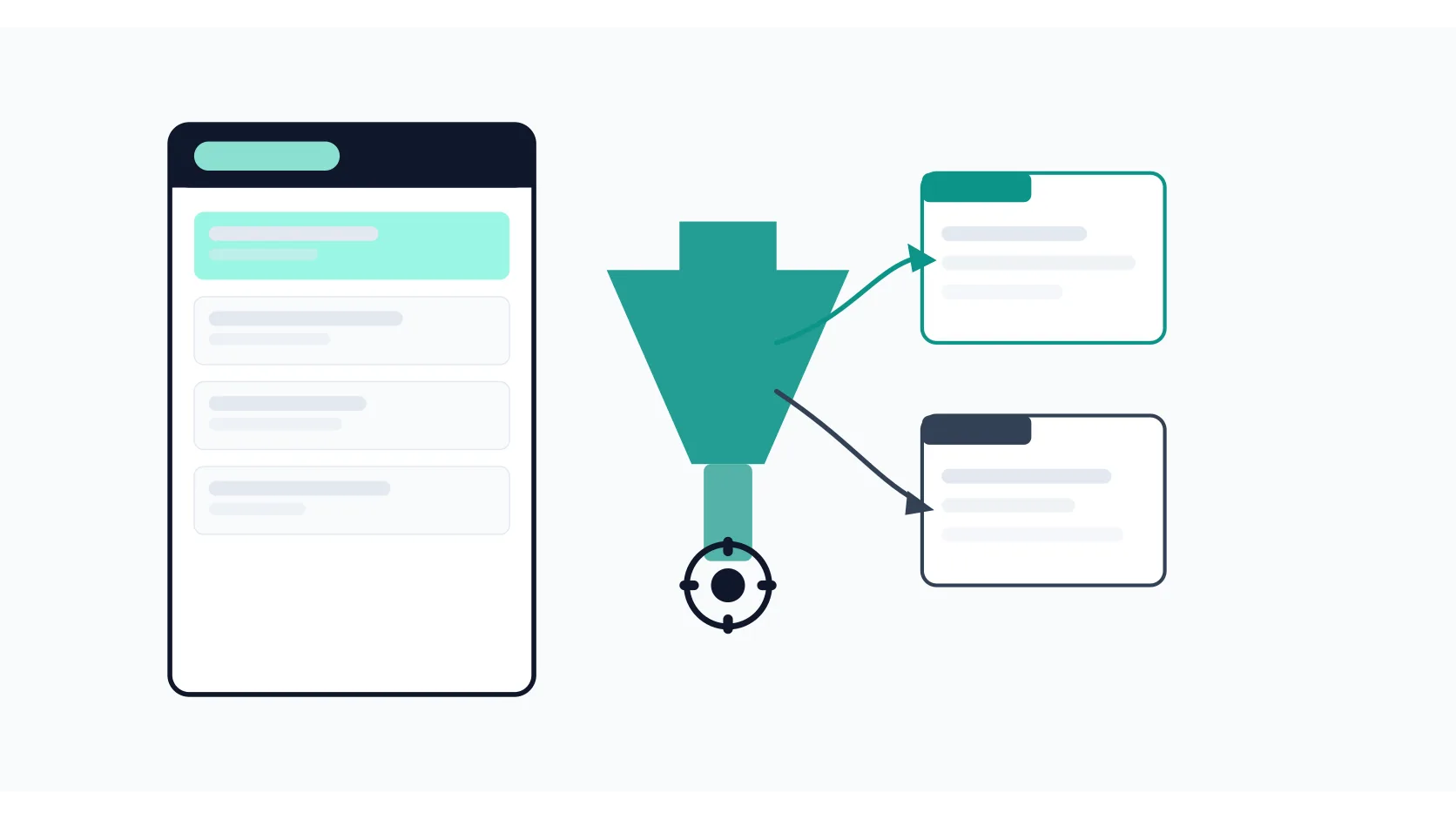
How to Create Filters in Gmail (Automate Your Inbox in 10 Minutes)
How to create Gmail filters step by step: choose criteria, pick actions like auto-labeling or archiving, and set up practical rules that keep your inbox organized without manual sorting.
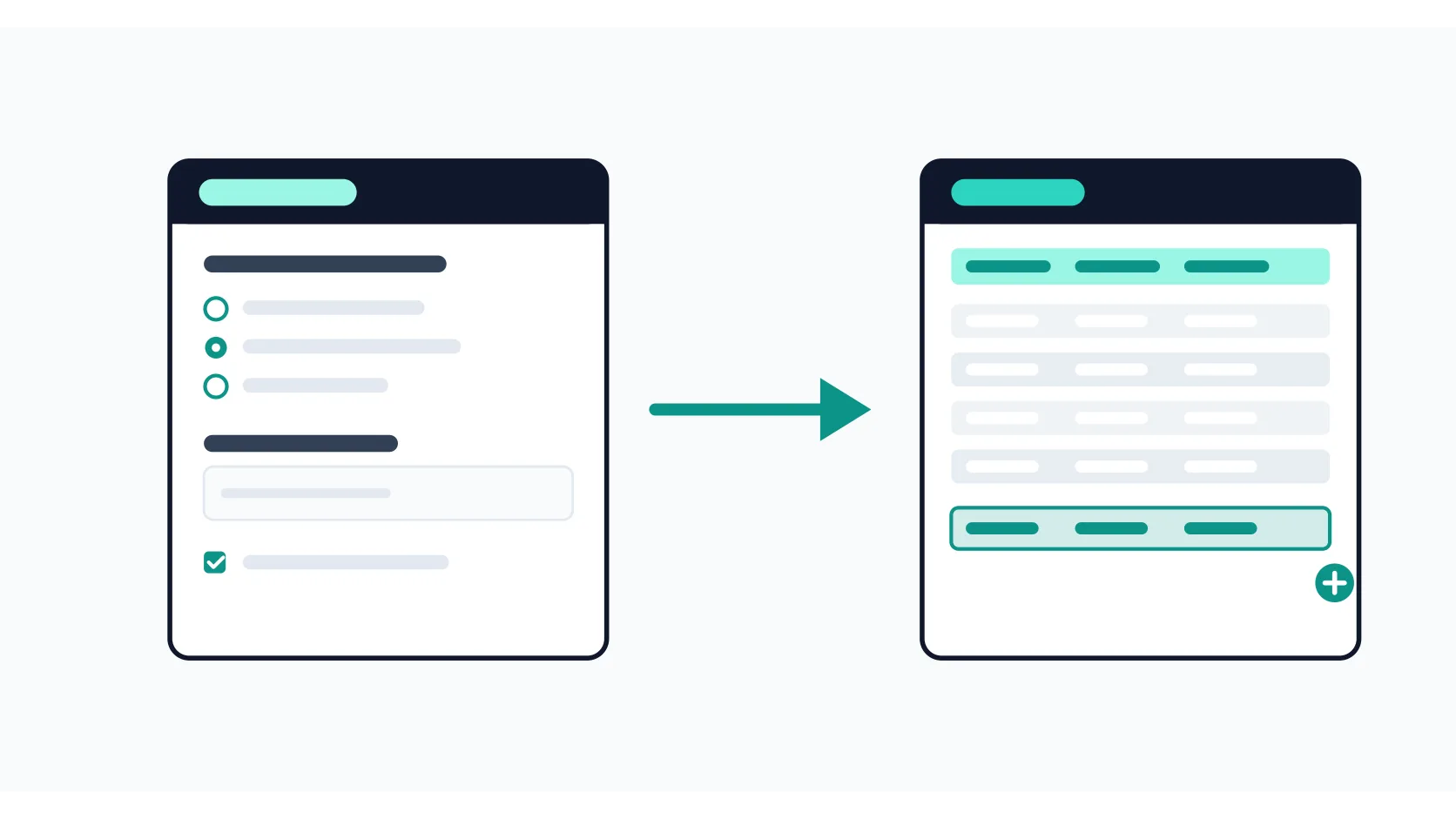
How to Connect Google Forms to Google Sheets (Automatic Response Sync)
How to connect Google Forms to Google Sheets: link responses to a new or existing spreadsheet, what syncs automatically, and how to unlink without losing data.
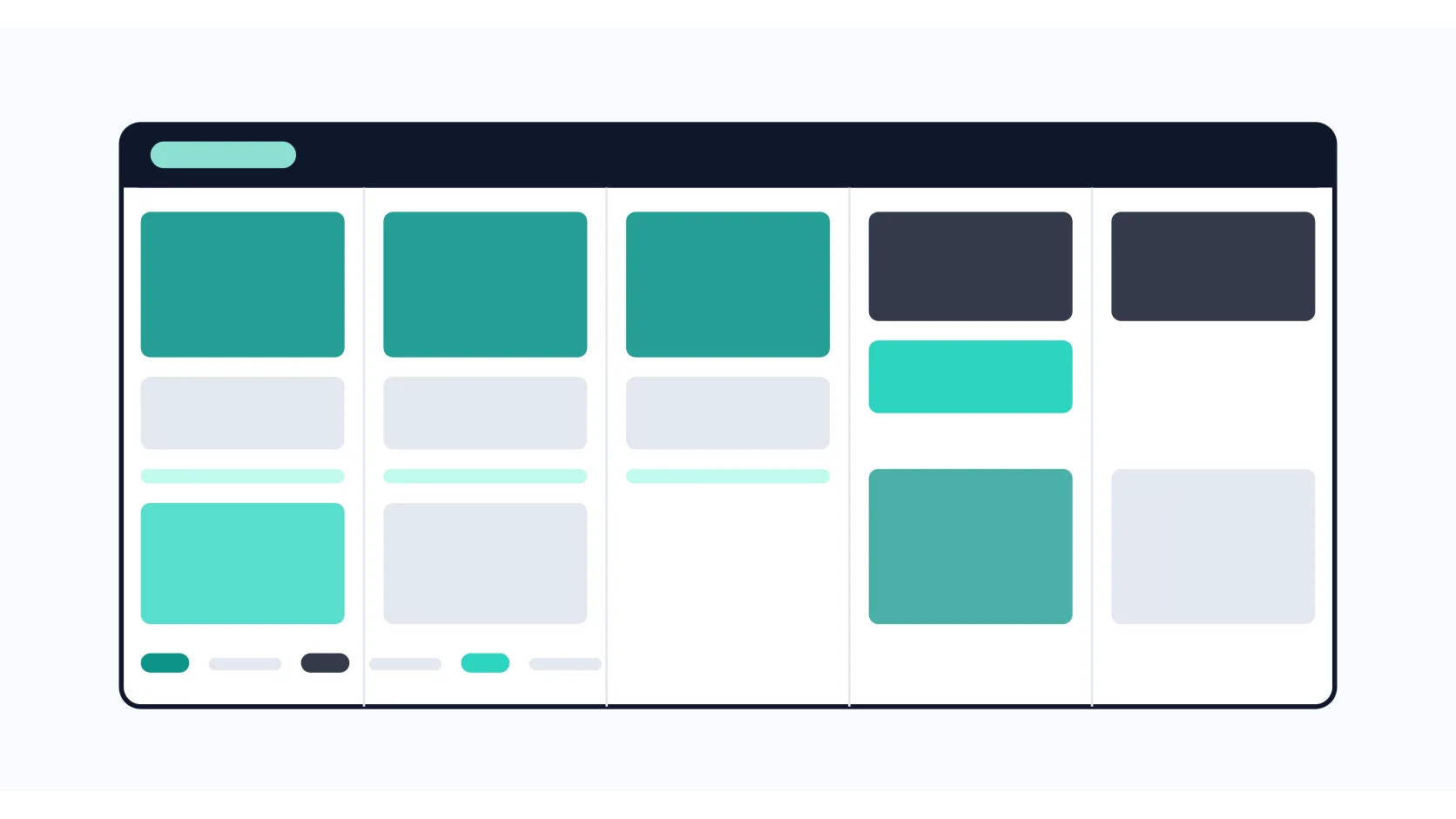
How to Set Up Time Blocking in Google Calendar (A System That Survives Real Work)
How to set up time blocking in Google Calendar: separate calendars, recurring focus blocks, buffer time, and a weekly review that keeps the system honest.
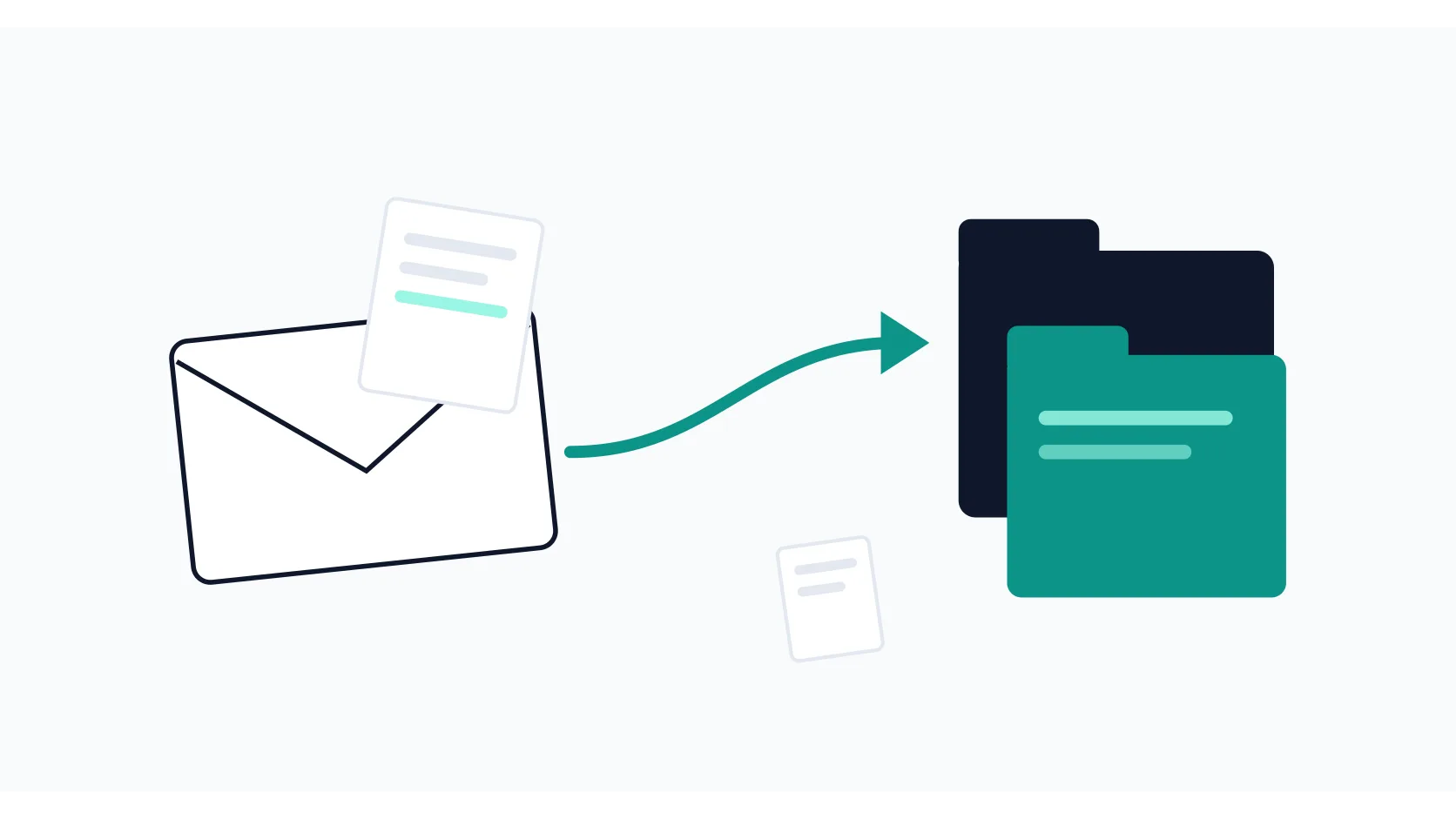
How to Save Gmail Attachments to Google Drive (Manually and Automatically)
How to save Gmail attachments to Google Drive: the Add to Drive button, auto-saving via filters plus Zapier, and a free Apps Script route.